
A free student tracker for flight instructors
Part of CFI Kneeboard
Track each student's lessons, stage checks, flight hours, and endorsements in one training record. Free to use, with a free account to save your records.
What it records
A training record per student, with notes and endorsements. The record shows where each student stands on every lesson, every stage check, and every hour the certificate needs.
Lessons
Each lesson has a status for each student: Not started, In progress, Needs repeat, or Complete. Add a note, a date, and the standards the student met, so the next lesson starts where the last one ended.
Lesson plans are published for Private Pilot ASEL. The other three certificates have none yet. Lessons can be edited in the app; edits stay on that device, and the originals are never changed and can be restored.
Stage checks
Each stage check has a result for each student: Not taken, Satisfactory, or Unsatisfactory. Stage checks can be edited in the app, like the lessons.
Flight log and hours
Log a flight on the lesson it belongs to: date, aircraft, and route; dual, solo, cross-country, instrument, night, and ground hours; day and night landings; the maneuvers flown; a result; and notes.
For Private Pilot ASEL, the record keeps running totals against the 14 CFR 61.109(a) minimums:
| Requirement | Minimum |
|---|---|
| Total flight time | 40 hours |
| Dual instruction | 20 hours |
| Solo | 10 hours |
| Solo cross-country | 5 hours |
| Instrument | 3 hours |
| Night | 3 hours |
| Night landings | 10 |
Hour totals for the other certificates come later.
Endorsements
26 endorsement templates from AC 61-65K Appendix A, with the full wording. Each prints with your name, certificate number, and expiration.
Tied to the requirements
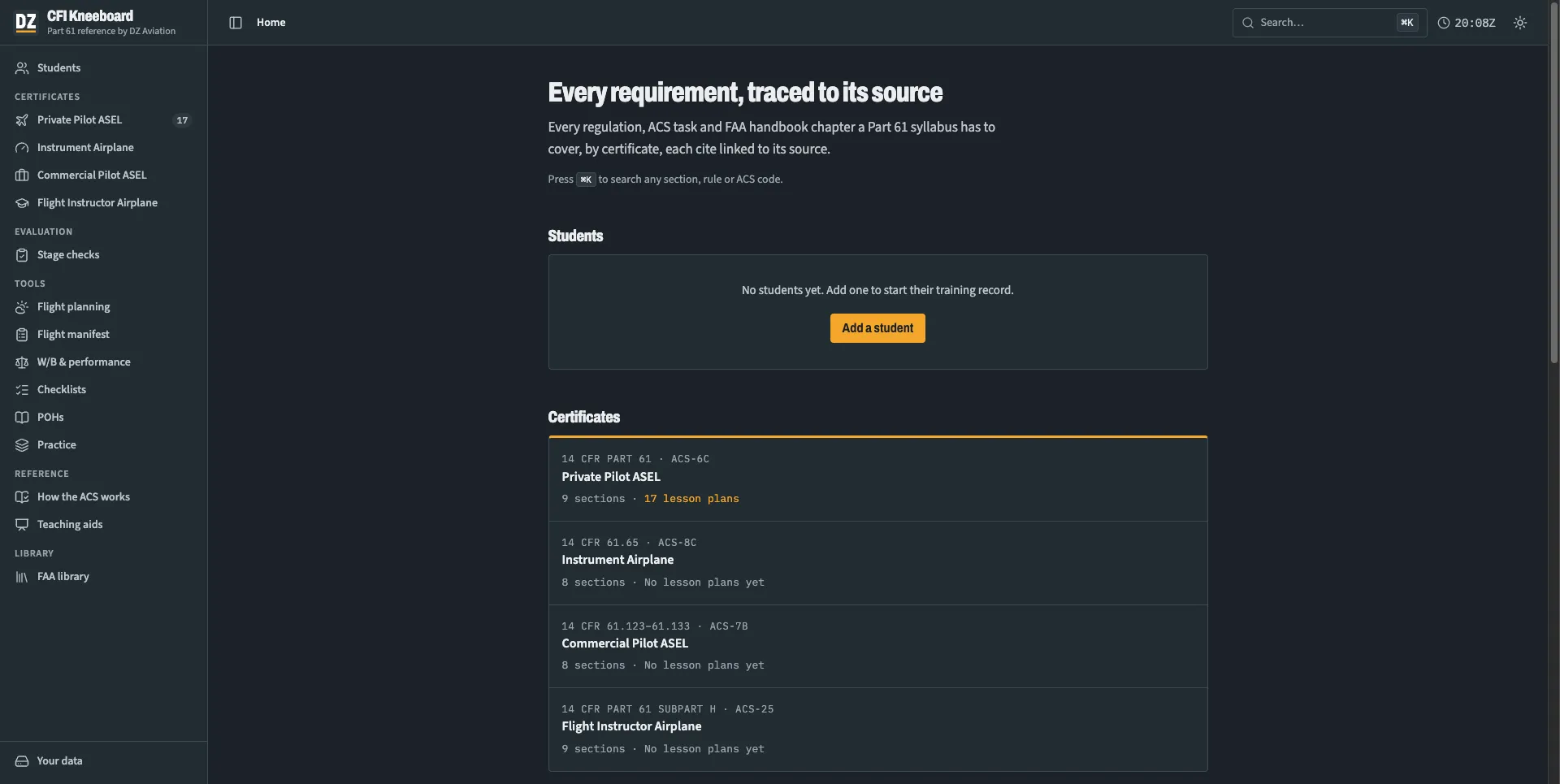
The record sits inside CFI Kneeboard's requirements maps for four certificates: Private Pilot ASEL, Instrument Airplane, Commercial Pilot ASEL, and Flight Instructor Airplane. Each map has the same sections: how the sources fit together, knowledge areas, flight proficiency mapped to the ACS, aeronautical experience, endorsements and milestones, a source library, and a syllabus audit checklist.
Regulation cites link to the eCFR, and every map records the date its regulations and ACS were checked. Use it to build or audit a syllabus: if a line in the map has no lesson to point to, that is a gap.
The rest of the app, from flight planning to the FAA library, is on the CFI Kneeboard page.
Where your data lives
The tools and the requirements maps work without an account. To save student records, notes, and endorsements, sign in with a free account. Export a backup from Your data to keep a copy.
It works offline after the first visit; only the outside eCFR and FAA links need a connection. On iPhone and iPad, open it in Safari and tap Share, then Add to Home Screen.
Questions
Is it free?
Yes. CFI Kneeboard is free to use. Sign in with a free account to save your students' records.
How do I add a student?
Open CFI Kneeboard and choose Add a student on the home page. That starts the student's training record.
Which certificates can I track?
Lesson plans and the hour totals are for Private Pilot ASEL. Requirements maps cover Private Pilot ASEL, Instrument Airplane, Commercial Pilot ASEL, and Flight Instructor Airplane. Other certificates come later.
Can I print endorsements?
Yes. Each of the 26 AC 61-65K templates prints with the full wording, your name, certificate number, and expiration.
Can I move my records to another device?
Yes. Sign in with the same account, or export a backup from Your data and import it on the other device.
Does it work without a connection?
Yes, after the first visit. Only the outside eCFR and FAA links need a connection.
Before you rely on it
Verify every requirement against the current eCFR and ACS before you rely on it. CFI Kneeboard is not affiliated with or endorsed by the FAA.
Open CFI Kneeboard